Light D&D Notes
A downloadable tool for Windows
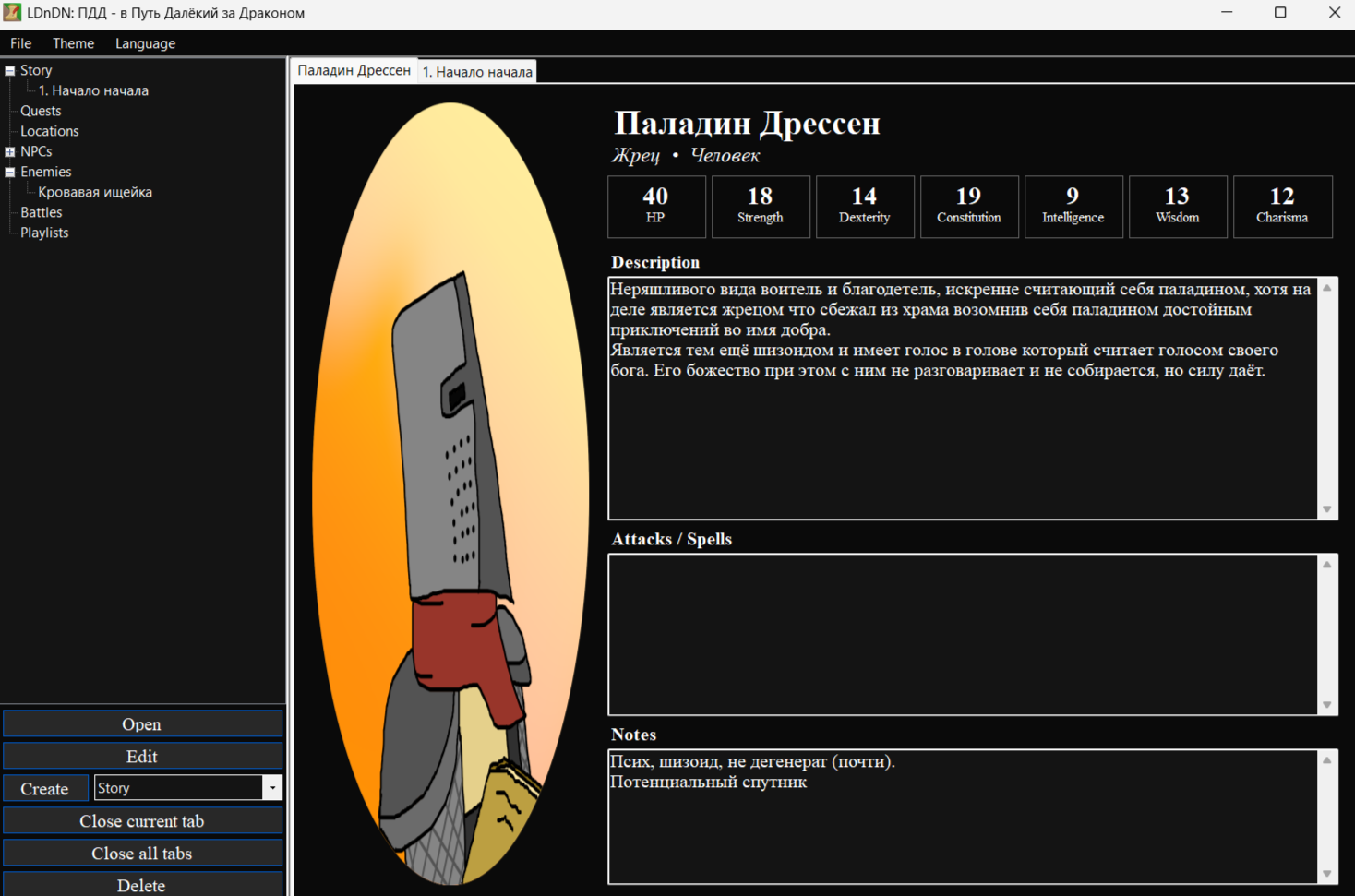
This is a simple note-taking app for preparing Dungeons & Dragons sessions. I made it with the help of AI because I was too lazy to look for a similar program, and I didn’t want to use plain text notes.
In this app you can write up your ideas for your next campaign or oneshot, such as:
- Storylines;
- Quests;
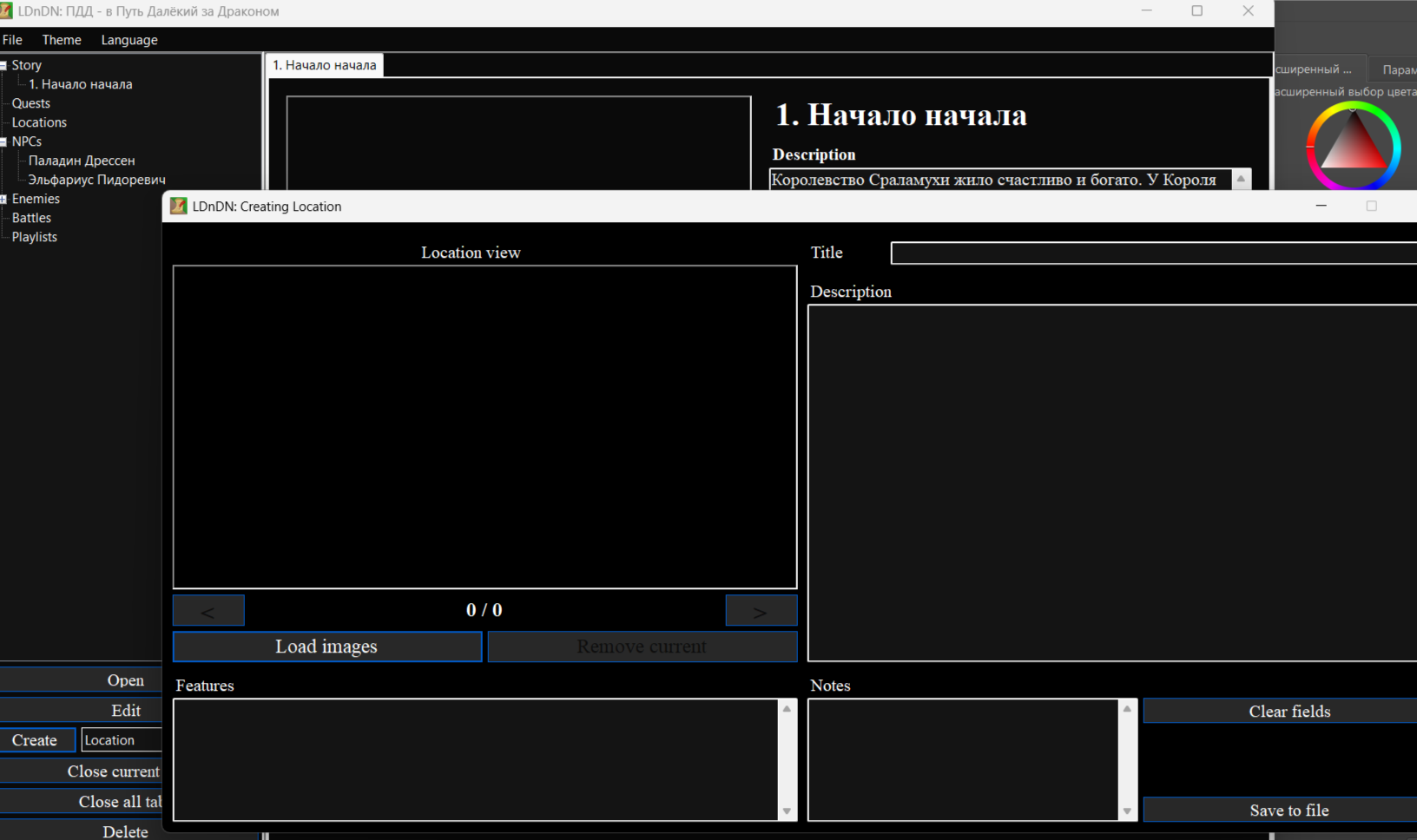
- Locations;
- NPCs;
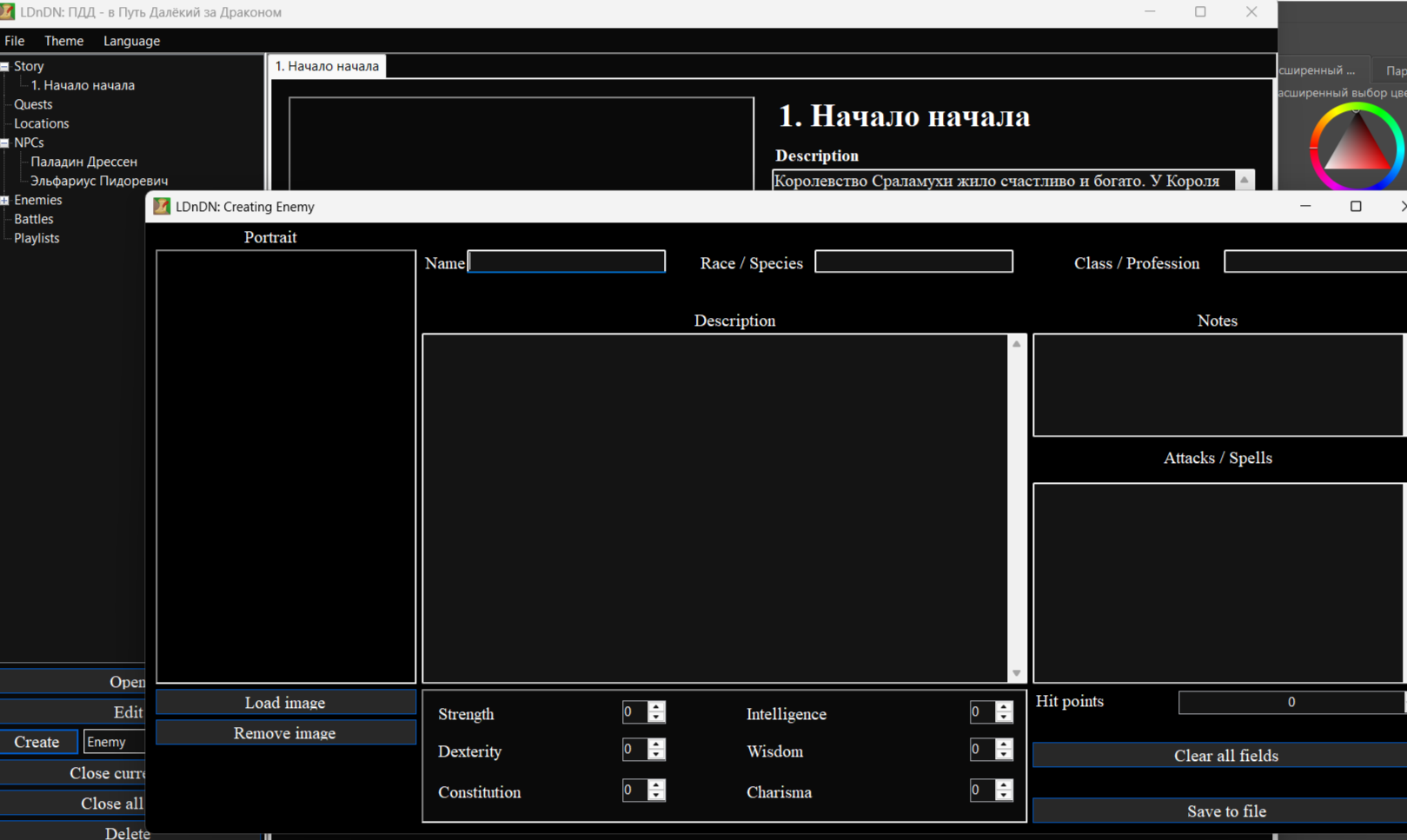
- Enemies;
- Battles;
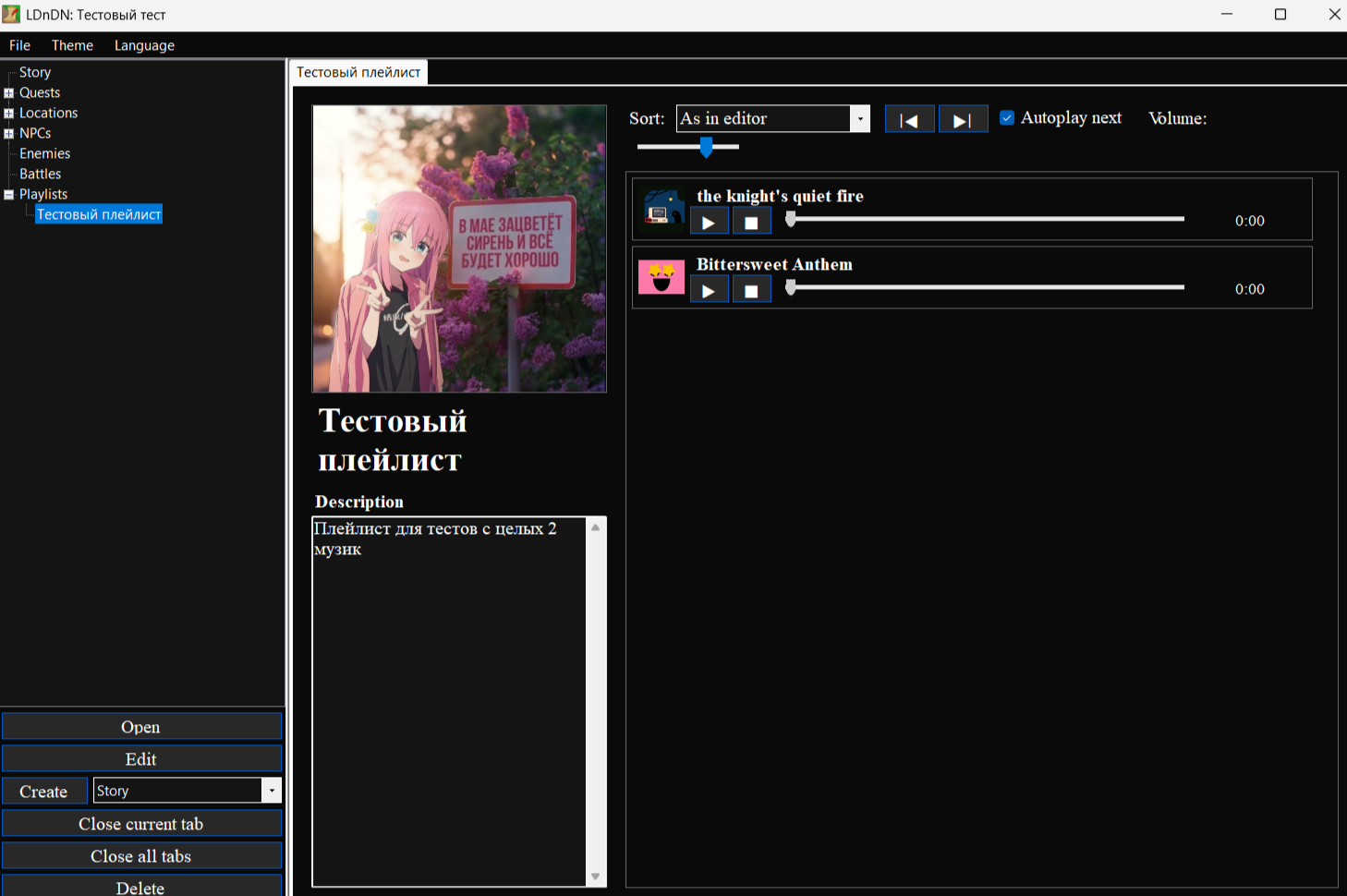
- And even make your playlists of music (i added it just for fun).
The whole app is small and doesn't have a lot of features however. You can use it for writing up ideas for other systems too if you like.
Read README file for instructions if you don't understand something or dont know how to change the language (that file is pretty small too).
----------------------------------------------------
Это простенькая программка для заметок для подготовки партии в подземелья и драконы. Написана мной и ИИ потому что мне было лень искать похожую программу, а пользоваться простыми заметками я не хотел. Здесь вы можете создавать заметки и записывать идеи для своих будущих партий и ваншотов. Тут можно создавать заметки:
- Сюжетов;
- НПС;
- Врагов;
- Квестов;
- Изображений;
- Боевых сцен;
- Локаций;
- Плейлистов с музыкой (добавил их по приколу).
Программа довольно маленькая и множества фич тут нет. Можете использовать и для заметок для других систем кроме днд если хотите.
Прочитайте README файл, там есть инструкция если что-то непонятно (она тож мелкая).
Download
Install instructions
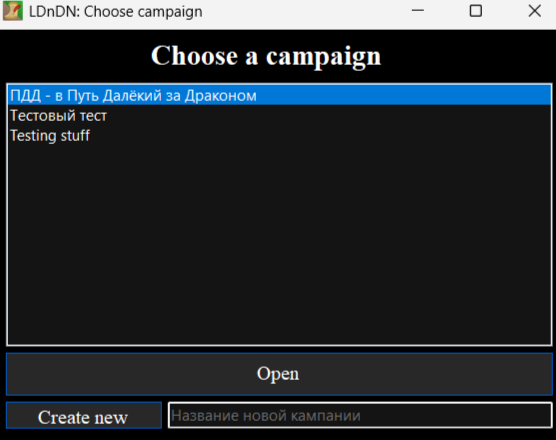
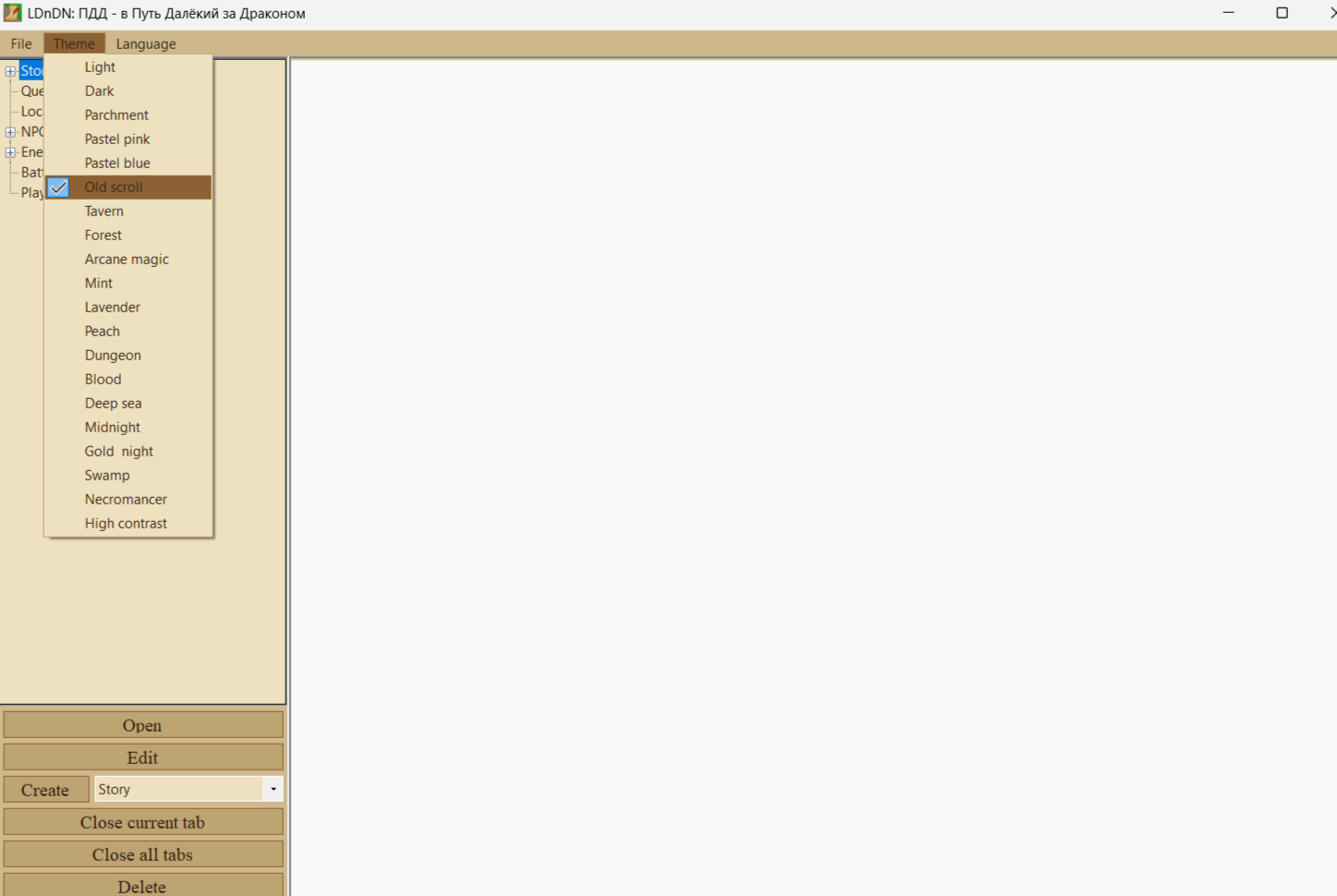
When you open the app, you may see the interface in Russian. To switch it to English, type anything into the text box at the bottom and click the button next to it (to the left of the text box). Then, in the top menu, select the third option, labeled “Язык”, and choose English. The language will be saved, so the start menu will also appear in English the next time you launch the app.
Leave a comment
Log in with itch.io to leave a comment.